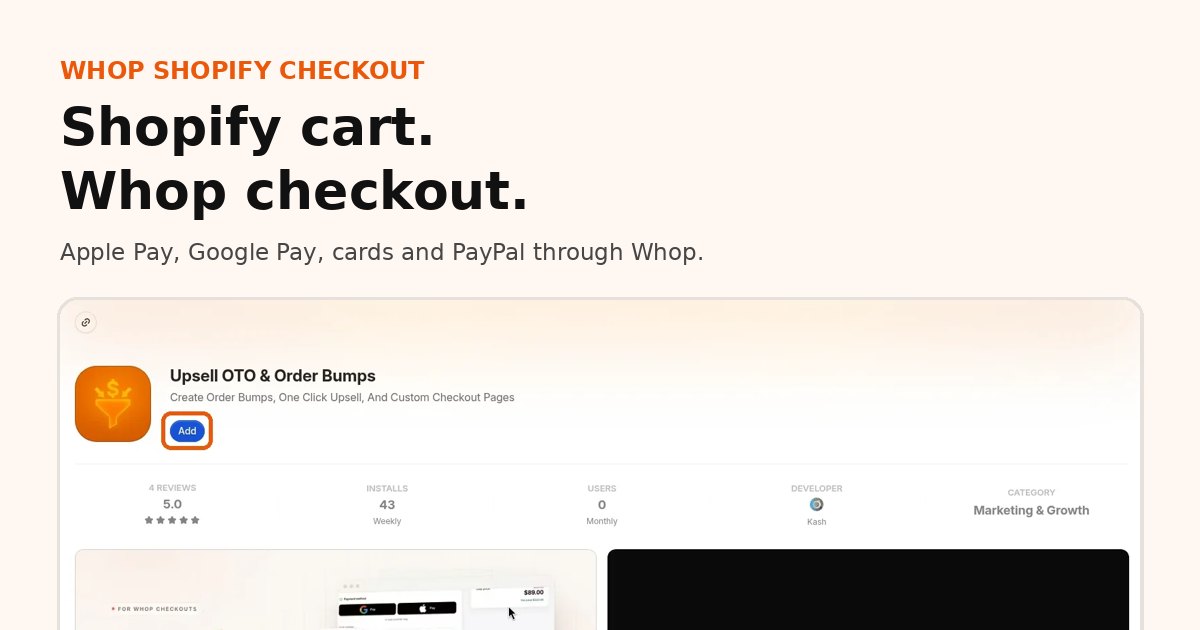
Can you add Whop as a payment method on Shopify? Not as an official Shopify Payments provider listed in Shopify admin. What you can do is route your store's checkout through Whop: buyers still shop your theme, products and cart, then pay on Whop checkout with Apple Pay, Google Pay or card. Paid orders sync back into Shopify for fulfillment.
What is the Whop Shopify integration?
The Whop Shopify integration is our app, listed on the official Whop App Store, that connects a Shopify store to Whop checkout.
- How it works: shoppers browse and add to cart on Shopify, then pay on Whop checkout with card, Apple Pay or Google Pay.
- Orders: every paid order syncs back to Shopify, so fulfillment stays where your team already works.
- Payouts: money goes to your Whop company and follows Whop's payout schedule.
- Shipping and tracking: you ship from Shopify as usual, and tracking is passed to Whop when you mark an order shipped.
- Who it is for: Shopify merchants who want Whop payments, express wallets or one-click upsells without rebuilding their store.
Setup takes about 10 minutes: see the 4 steps with screenshots.
What you need
- An active Shopify store
- A Whop company (the account that receives payouts)
- Our app, listed on the official Whop App Store installed on that company
- About 10 minutes for the guided Shopify setup in the app
You do not need to paste scripts into theme files for the basic install. Connection and go-live happen inside the app's Shopify onboarding.
Add one-click upsells to your Whop
Install OneClick Upsell from the Whop App Store and offer a post-purchase upsell in a few minutes.
Setup in about 10 minutes
Follow the step-by-step guide with screenshots. The short version:
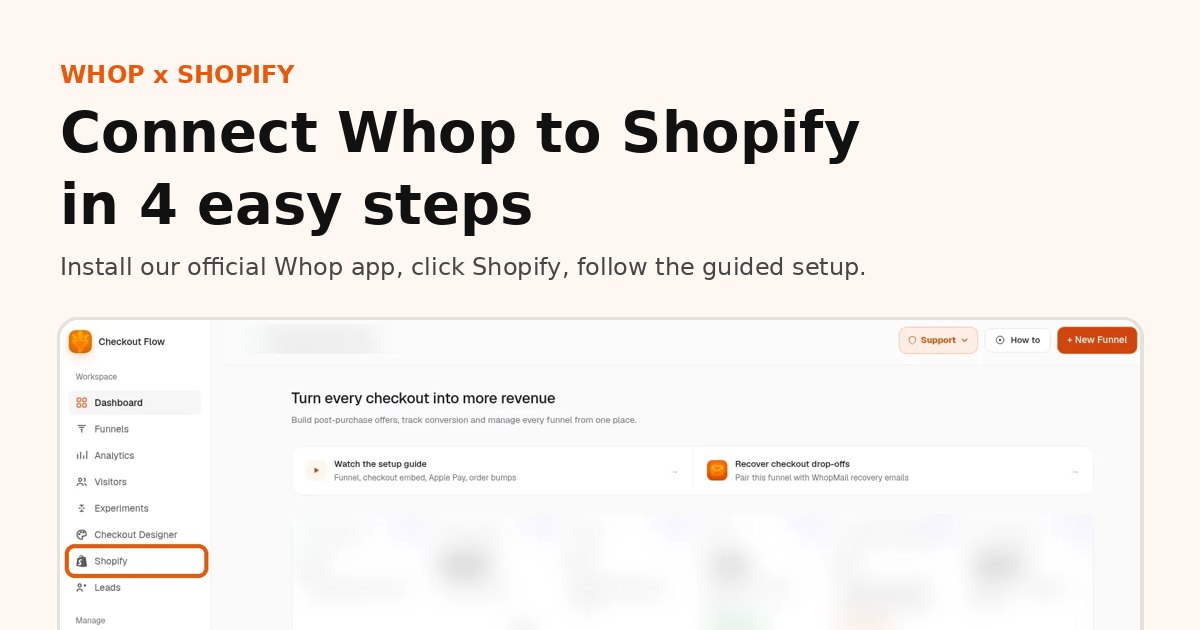
- Install our app from the official Whop App Store. Open the install page and add it to your Whop company.
- Open the app and click Shopify in the sidebar.
- Follow the guided setup. The app walks you through connecting your store, one screen at a time.
- Go live. Place a test order and confirm it shows up in Shopify.
Want help? Book a free setup call and we will connect it with you.
What carries over
- Product catalog, variants, collections and your theme
- Cart contents into Whop checkout
- Orders and line items in Shopify after payment
- Fulfillment, tracking and customer service workflows you already use in Shopify
- Optional Meta pixel / CAPI and funnel analytics from landing through thank-you
What changes
- Payment is processed by Whop, not Shopify Payments or a Shopify-listed gateway
- Payouts follow Whop's payout schedule and methods
- Express wallets (Apple Pay / Google Pay) come from Whop; if wallets are unavailable on a device, buyers get a styled Buy now into the same checkout
- Post-purchase one-click upsells use Whop's saved payment method, which is why Zipify-style apps that depend on Shopify Payments often stop working when you leave that stack — see Shopify one-click upsells with Whop
What it costs
OneClick Upsell (Shopify checkout add-on): $99.95 per month. Core Whop funnel plans (Starter $19.95 / Growth $34.95 / Scale $49.95) cover funnels on Whop; the Shopify add-on is what routes store checkout through Whop. Right now we do not take a percentage of your Shopify sales on top of that monthly fee.
Whop processing: still applies on every charge (from 2.7% + $0.30 for domestic cards, with other methods priced separately). See Whop Docs: Fees and Whop fees and payouts.
Shopify's bill: confirm how app-created or synced orders appear on your Shopify invoice. Do not assume there are never any Shopify fees on those orders — check your bill and Shopify's current terms for your plan.
Compared with keeping a third-party gateway inside Shopify Admin (and Shopify's third-party surcharge), many merchants prefer a flat monthly tool fee plus Whop's published rates. Work the numbers on your volume in Shopify third-party payment fees vs Whop.
FAQ
Is this an official Shopify payment method?
No. Whop is not listed as a Shopify Payments provider. Buyers pay through your Whop account; we sync the order back to Shopify.
Will my store go down while I connect?
No. You connect in the app, test, then go live. Until you subscribe and enable routing, Shopify checkout can stay native.
Do I keep Shop Pay?
Shop Pay is tied to Shopify's checkout. Whop checkout uses Whop wallets and cards instead. That tradeoff is covered in Apple Pay and Google Pay without Shopify Payments.
What if Shopify Payments was suspended?
You can keep the storefront and sell through Whop checkout. Read Shopify Payments suspended? Keep selling with Whop.
Next step
Install on Whop, click Shopify in the sidebar, and follow the guided setup (see every step with screenshots). Most stores are taking live Whop checkouts the same afternoon.
Related reading
Ready to raise your order value?
Install OneClick Upsell on Whop and build your first upsell funnel today.
Some links to Whop on this site are affiliate links. If you sign up through them we may earn a commission, at no extra cost to you.