"Shopify payments fees" is one of the fastest rising Shopify searches this year. Most people asking are trying to answer one question: is there a cheaper or more flexible way to take payments? This guide covers why sellers leave Shopify Payments, what it costs to use another provider on Shopify, and where Whop fits.
What is the Whop Shopify integration?
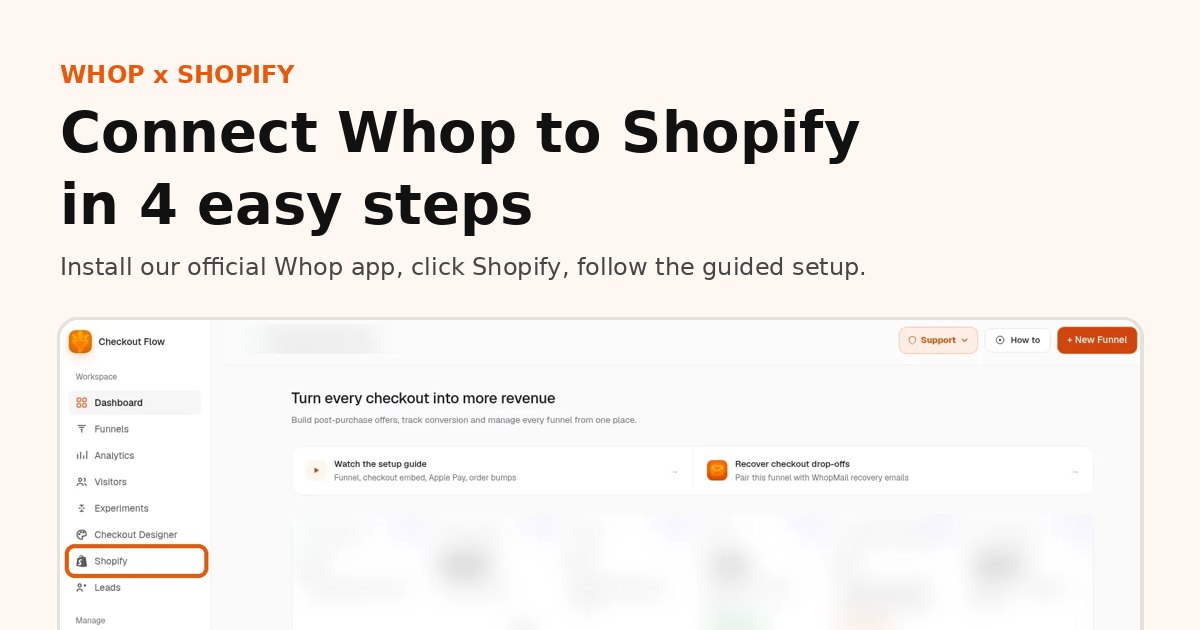
The Whop Shopify integration is our app, listed on the official Whop App Store, that connects a Shopify store to Whop checkout.
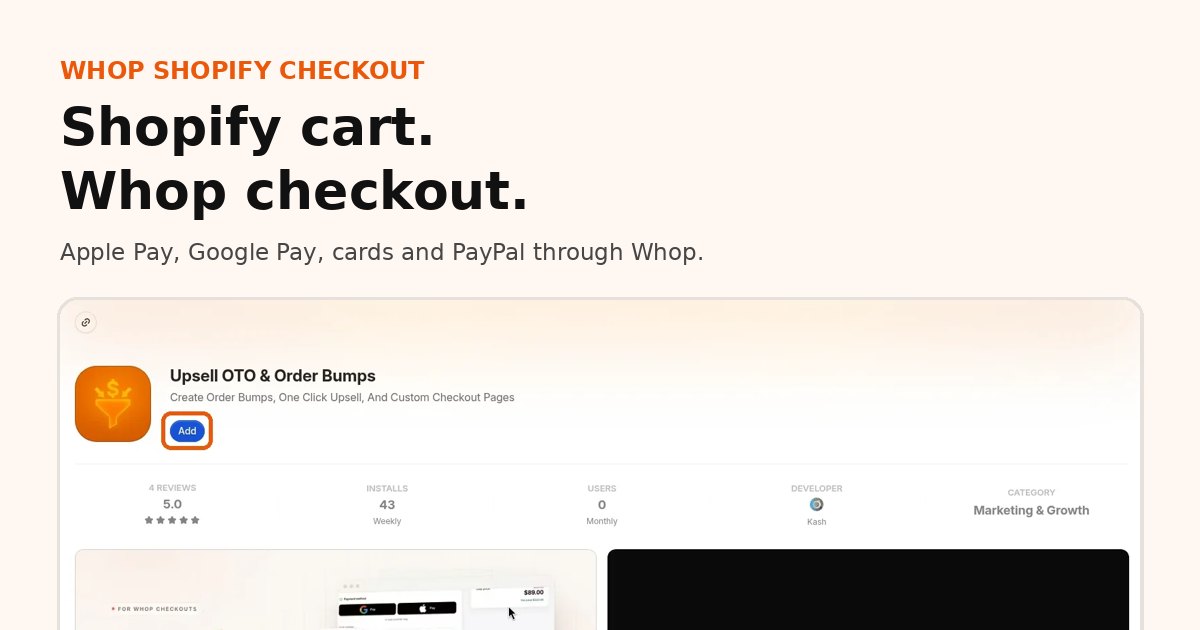
- How it works: shoppers browse and add to cart on Shopify, then pay on Whop checkout with card, Apple Pay or Google Pay.
- Orders: every paid order syncs back to Shopify, so fulfillment stays where your team already works.
- Payouts: money goes to your Whop company and follows Whop's payout schedule.
- Shipping and tracking: you ship from Shopify as usual, and tracking is passed to Whop when you mark an order shipped.
- Who it is for: Shopify merchants who want Whop payments, express wallets or one-click upsells without rebuilding their store.
Setup takes about 10 minutes: see the 4 steps with screenshots.
Why sellers look for an alternative
- Fees. Card rates add up, especially on international sales.
- Account holds or shutdowns. Some categories, like coaching, info products or anything Shopify Payments treats as higher risk, run into holds and reviews.
- Country availability. Shopify Payments is not available everywhere.
- Payment methods. Sellers want local methods, crypto or financing that their current setup does not offer.
Add one-click upsells to your Whop
Install OneClick Upsell from the Whop App Store and offer a post-purchase upsell in a few minutes.
The catch: third-party fees on Shopify
If you keep your Shopify store but use another payment provider, Shopify adds a third-party transaction fee on top of that provider's fees. Shopify's pricing page lists:
| Shopify plan | Third-party provider fee |
|---|---|
| Basic | 2% |
| Grow | 1% |
| Advanced | 0.6% |
| Plus | 0.2% |
So a "cheaper" gateway can end up costing more once Shopify's cut is added. Run the numbers on your real volume before switching.
Option 1: Stay on Shopify, switch gateway
Works if you need Shopify's store features and your new gateway is cheap enough to absorb the extra fee. You keep themes, apps and inventory tools.
Option 2: Move checkout to Whop
Whop is the merchant of record on Whop Payments, and it can collect sales tax for you as an optional add-on. What you get:
- Card pricing starting at 2.7% + $0.30 for domestic cards, with optional add-ons. See Whop fees and payouts.
- Many payment methods that appear automatically: Apple Pay, Google Pay, PayPal, Cash App, ACH, crypto, iDEAL, SEPA and more, plus buy now pay later once approved. See Whop payment methods.
- Payouts to banks, wallets or crypto in over 200 countries.
What to know before you move: Whop says it is still improving support for physical products. Today, sellers handle fulfillment with webhooks or Zapier and collect shipping details through custom fields. That works well for digital products, memberships and simple product lines, and less well for a large catalog with variants and live shipping rates.
Option 3: Hybrid
Many sellers keep Shopify for the catalog and use Whop for specific offers: a membership, a course, a high-ticket bundle or a product that keeps getting flagged elsewhere. Whop checkout links can be shared anywhere, including your Shopify store.
Quick comparison
| Shopify Payments | Third-party gateway on Shopify | Whop | |
|---|---|---|---|
| Extra platform fee | None | 0.2% to 2% | None beyond Whop's rate |
| Merchant of record | You | You | Whop |
| Local methods and BNPL | Varies by country | Depends on gateway | Many, shown automatically |
| Physical product tools | Full | Full | Basic, improving |
| Native one-click upsells | Through apps | Through apps | Through apps such as OneClick Upsell |
Keep the average order value you had
Shopify sellers are used to post-purchase upsells from apps like Zipify OCU. If you move offers to Whop, OneClick Upsell gives you the same pattern: order bumps, one-click upsells and downsells charged to the same card. See Zipify-style one-click upsells on Whop.
Moving also means moving customers and email. Our sister product WhopMail can import Shopify customers and connect to Whop, so abandoned checkout and win-back flows keep running. Read how to migrate from Shopify to Whop.
FAQ
What is the best Shopify Payments alternative?
It depends on your business. If you want to keep your Shopify store but take payments, wallets and one-click upsells through Whop, use our app, listed on the official Whop App Store.
Does Shopify charge extra for other payment providers?
Yes. Shopify adds a third-party payment fee on orders paid through outside gateways, from 2% down to 0.2% by plan.
Can I use Whop instead of Shopify Payments?
Yes. Install our app from the official Whop App Store, click Shopify in the sidebar and follow the guided setup. Orders sync back to Shopify.
Sources
Ready to raise your order value?
Install OneClick Upsell on Whop and build your first upsell funnel today.
Some links to Whop on this site are affiliate links. If you sign up through them we may earn a commission, at no extra cost to you.