Most Shopify one-click upsell apps (Zipify OCU and similar) need Shopify's payment session so the next offer can charge without asking for the card again. Move to an outside processor and those flows often degrade to "enter your card again" — which kills conversion. This guide explains the break, how Whop keeps one-click alive, and how to set it up on a Shopify store.
What is the Whop Shopify integration?
The Whop Shopify integration is our app, listed on the official Whop App Store, that connects a Shopify store to Whop checkout.
- How it works: shoppers browse and add to cart on Shopify, then pay on Whop checkout with card, Apple Pay or Google Pay.
- Orders: every paid order syncs back to Shopify, so fulfillment stays where your team already works.
- Payouts: money goes to your Whop company and follows Whop's payout schedule.
- Shipping and tracking: you ship from Shopify as usual, and tracking is passed to Whop when you mark an order shipped.
- Who it is for: Shopify merchants who want Whop payments, express wallets or one-click upsells without rebuilding their store.
Setup takes about 10 minutes: see the 4 steps with screenshots.
Why Zipify-style apps break on outside gateways
Post-purchase one-click works when the platform can reuse the authorization or stored credential from the initial checkout. Shopify Payments (and a few tightly integrated gateways) expose that to approved apps. A generic third-party gateway on Shopify usually does not, so the upsell page becomes a second full checkout.
If you already left Shopify Payments for fees, holds or wallets, you should assume classic OCU apps will not behave the same. Background: Zipify-style one-click upsells on Whop.
Add one-click upsells to your Whop
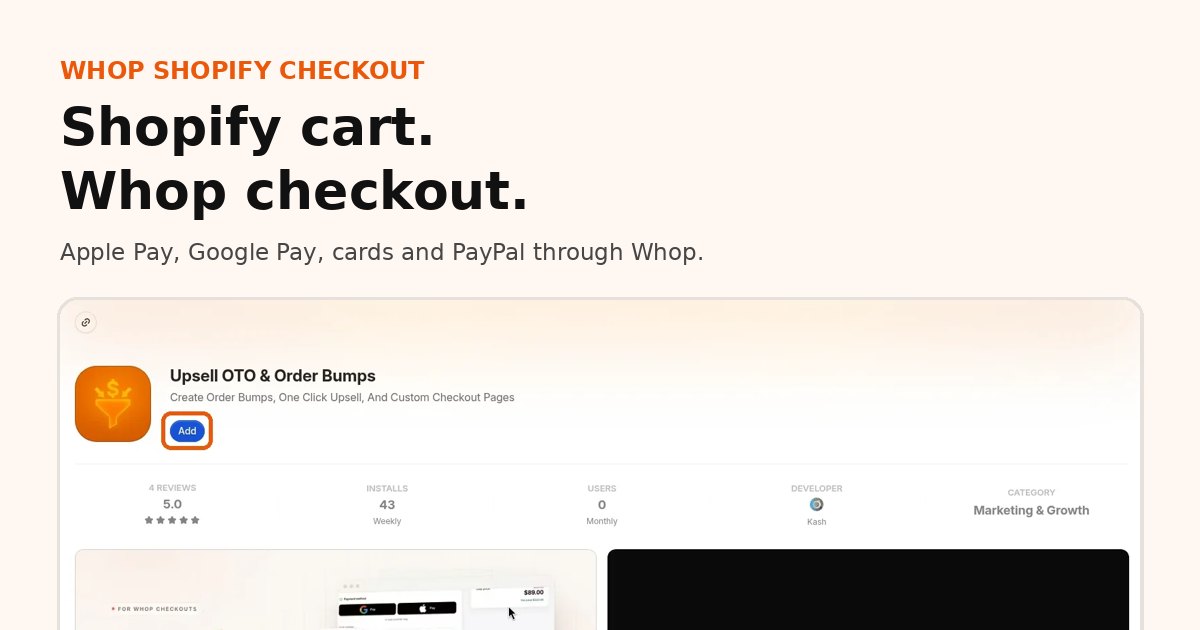
Install OneClick Upsell from the Whop App Store and offer a post-purchase upsell in a few minutes.
Order bumps vs post-purchase upsells
| Offer type | When it shows | One-click? |
|---|---|---|
| Order bump | On the checkout page, before pay | Buyer checks a box; charged with the initial payment |
| Post-purchase upsell | After successful payment | One tap on the same card |
| Downsell | After a declined upsell | One tap, usually a cheaper alternate |
| Thank-you offer | On the confirmation page | Often requires a new payment unless the platform supports it |
OneClick Upsell on Whop supports bumps, upsells and downsells in a funnel you design, then attaches accepted lines so Shopify still sees the full order where sync is enabled.
Charge the same card
On Whop checkout the buyer's method is available for follow-on offers in the funnel. That is the whole point of one-click: no PayPal redirect, no re-typed PAN. Combined with Shopify order sync, warehouse and support teams still work from Shopify Admin.
Meta CAPI and funnel tracking
The Shopify integration is built to carry funnel events from landing through checkout and each upsell acceptance, including paths useful for Meta Pixel / CAPI. You get storefront context into Whop checkout instead of a dead end when the buyer leaves Shopify's page. Exact events depend on your pixel settings in the app — configure them before you scale ads.
Setup
- Install on Whop.
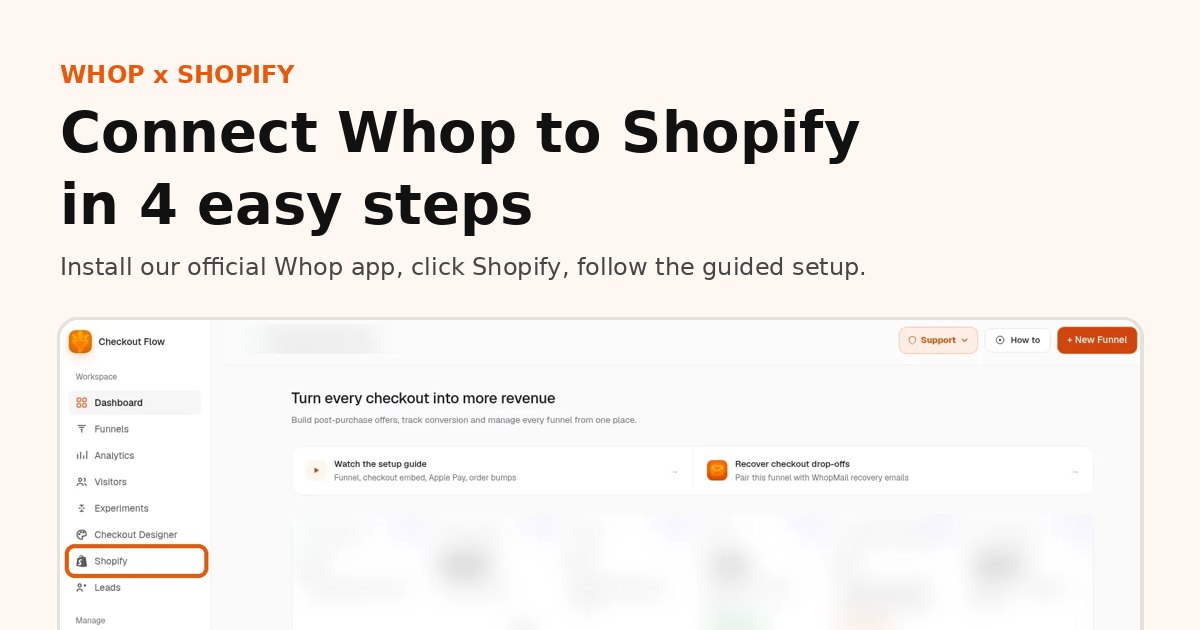
- Click Shopify in the app sidebar and follow the guided setup (about 10 minutes, see the step-by-step guide with screenshots).
- Build a funnel: main offer → upsell → optional downsell → thank-you.
- Attach that funnel in the Shopify tab and enable routing.
- Run a real card test (small amount) and confirm the upsell charge and the Shopify order lines.
Basic install does not require theme file edits. Stay on the onboarding checklist.
Offer ideas that tend to work
- Supply complement: buy the serum, upsell the moisturizer at a bundle price
- Risk reversal: add extended support or a quick-start call
- Larger size / multi-pack: only shown after the first purchase succeeds
- Downsell: a travel size when they refuse the full-size upsell
- Subscription save: monthly refill at a discount after a one-time purchase (when subscriptions are enabled on your store)
Keep one clear offer per step. Stacking five choices on one screen recreates the fatigue you left Shopify apps to escape.
Pricing
- Shopify checkout add-on: $99.95/mo
- No percentage of upsell revenue from us right now
- Whop processing still applies (docs)
See Shopify third-party payment fees vs Whop for the all-in math versus gateway + Shopify surcharge.
FAQ
Why do one-click upsells stop working when I leave Shopify Payments?
Post-purchase one-click needs the platform to reuse the payment from the first checkout. Most third-party gateways on Shopify do not allow that, so the upsell becomes a second full checkout.
Can I run one-click upsells on Shopify with Whop?
Yes. With our app, listed on the official Whop App Store, checkout runs on Whop, so upsells and downsells charge the same card in one tap. Accepted offers are added to the Shopify order.
Do I need to edit my Shopify theme?
No. Install the app, click Shopify in the sidebar and follow the guided setup.
What does it cost?
The Shopify checkout add-on is $99.95 per month, with no percentage of upsell revenue from us right now. Whop processing fees still apply.
Related reading
Ready to raise your order value?
Install OneClick Upsell on Whop and build your first upsell funnel today.
Some links to Whop on this site are affiliate links. If you sign up through them we may earn a commission, at no extra cost to you.