If you leave Shopify Payments but keep selling on Shopify, Shopify usually adds a third-party payment fee on every order that gateway processes. That surcharge sits on top of the processor's own rate. This page explains the numbers, how Whop checkout is priced instead, and when staying on Shopify Payments is still the better move.
What is the Whop Shopify integration?
The Whop Shopify integration is our app, listed on the official Whop App Store, that connects a Shopify store to Whop checkout.
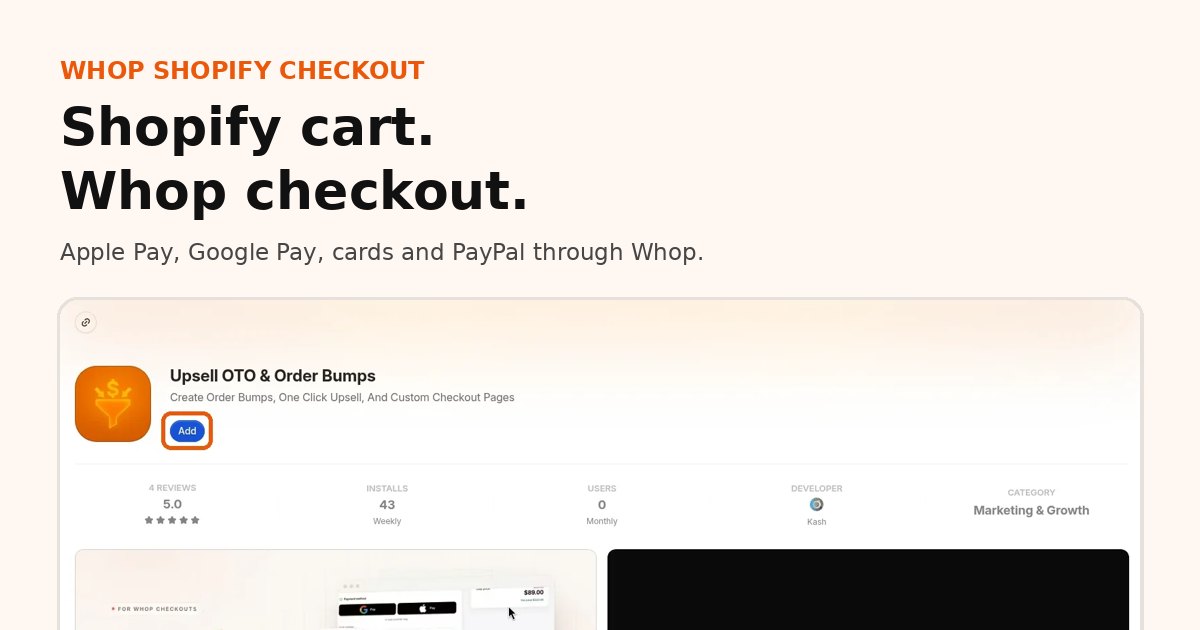
- How it works: shoppers browse and add to cart on Shopify, then pay on Whop checkout with card, Apple Pay or Google Pay.
- Orders: every paid order syncs back to Shopify, so fulfillment stays where your team already works.
- Payouts: money goes to your Whop company and follows Whop's payout schedule.
- Shipping and tracking: you ship from Shopify as usual, and tracking is passed to Whop when you mark an order shipped.
- Who it is for: Shopify merchants who want Whop payments, express wallets or one-click upsells without rebuilding their store.
Setup takes about 10 minutes: see the 4 steps with screenshots.
Shopify's third-party surcharge
Shopify publishes these rates on its pricing page (confirm on your plan; they can change):
| Shopify plan | Third-party provider fee |
|---|---|
| Basic | 2% |
| Grow | 1% |
| Advanced | 0.6% |
| Plus | 0.2% |
So a gateway advertising "2.9% + $0.30" on Basic is really closer to 4.9% + $0.30 before currency conversion, international premiums or chargebacks. On Grow it is about 3.9% + $0.30, and so on.
Add one-click upsells to your Whop
Install OneClick Upsell from the Whop App Store and offer a post-purchase upsell in a few minutes.
What Whop checkout costs instead
With OneClick Upsell routing Shopify checkout through Whop:
- Our fee right now: a flat monthly subscription. The Shopify checkout add-on is $99.95/mo. We do not take a percentage of those sales currently.
- Whop processing: still applies — from 2.7% + $0.30 on domestic cards, with other methods listed in Whop Docs: Fees. Details and payouts: Whop fees and payouts.
- Shopify invoice: check how synced or app-related orders show up on your Shopify bill. Do not treat "no Shopify third-party fee" as a guaranteed fact for every order type — verify on your statement.
You are comparing (gateway % + Shopify surcharge) against (Whop % + flat monthly tool fee).
How that compares to "checkout redirect" tools
Several Shopify apps also move buyers off native checkout (names you will see in reviews and ads include tools in the Pendym, Crisp, Lasso and Settl category). Pricing models differ: some charge a monthly fee, some take a cut of volume, some mix both. Always read the live pricing page before you commit — those offers change.
What stays true in the comparison:
- If the tool keeps you inside Shopify Admin as a third-party provider, expect Shopify's surcharge table above.
- If the tool is a separate merchant account or redirect (like Whop), you pay that network's processing plus the tool's subscription or rev-share — not necessarily Shopify's gateway surcharge. Confirm with your accountant and your Shopify bill.
Our current stance for new signups: flat monthly fee, no percentage from us right now, plus Whop's standard processing.
Worked example
Assume $40,000 / month card volume on Shopify Basic, domestic cards only.
Third-party gateway on Shopify (illustrative 2.9% + $0.30 and 2% Shopify surcharge):
- Processor: 2.9% × 40,000 = $1,160, plus per-order cents
- Shopify surcharge: 2% × 40,000 = $800
- Rough total variable: about $1,960+ / month before the $0.30 lines
Whop checkout via OneClick Upsell (illustrative):
- Whop processing at 2.7%: 2.7% × 40,000 = $1,080, plus $0.30 per order
- OneClick Shopify add-on: $99.95 flat
- No percentage from us on top right now
At this volume the flat tool fee is small next to processing. The bigger swing is avoiding (or not avoiding) Shopify's 2% — which is why you should confirm order treatment on your Shopify invoice rather than assuming.
On Plus (0.2% surcharge) the gap shrinks; on Basic it is usually the reason merchants model an alternative.
When you should stay on Shopify Payments
- Your approval is stable and your category is a good fit for Shopify Payments
- You depend on Shop Pay conversion and do not want to trade it away
- Your volume is low enough that a $99.95 add-on does not pencil out yet
- You need every Shopify checkout app that only works on Shopify Payments
Whop is a better fit when fees, holds, wallets without Shopify Payments, or one-click upsells after an outside processor matter more. See Shopify Payments alternatives and high-risk merchant payments on Whop.
Setup CTA
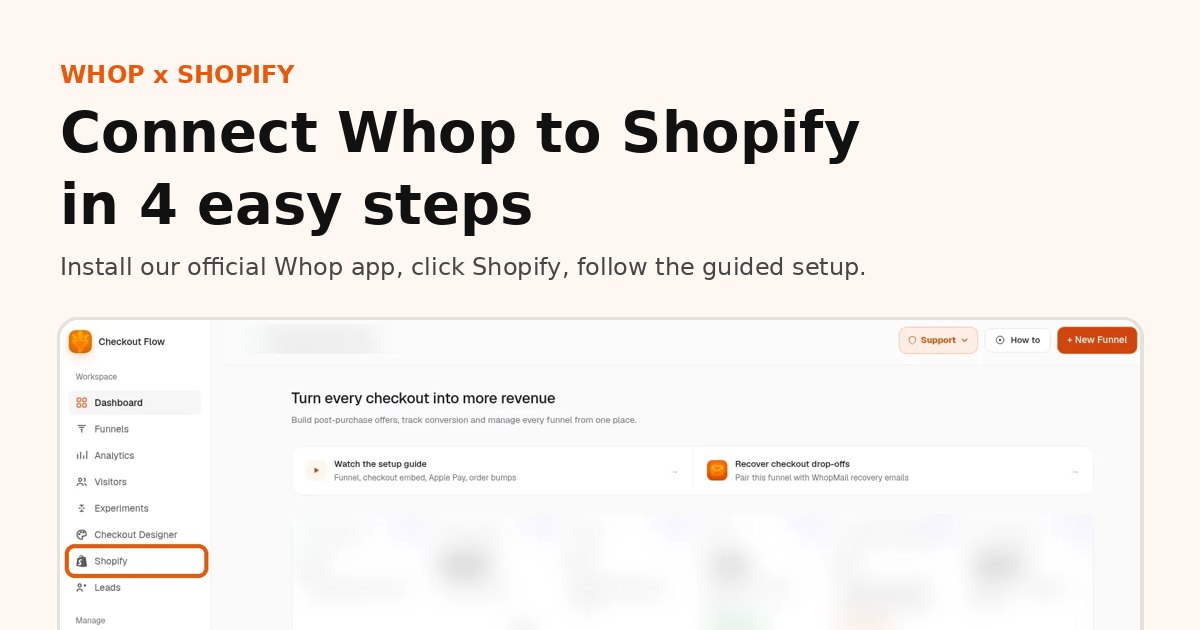
Connect Whop checkout to Shopify in about 10 minutes: install our app from the official Whop App Store, click Shopify in the sidebar, follow the guided setup. No theme code to edit. See the step-by-step guide with screenshots.
Install on Whop · step-by-step: Connect Whop payments to Shopify
FAQ
What is the Shopify third-party payment fee?
A surcharge Shopify adds when an order is paid through a gateway other than Shopify Payments. It ranges from 2% down to 0.2% depending on your plan.
Does Whop checkout on Shopify pay that surcharge?
Whop is not a gateway inside Shopify Admin. Buyers pay on Whop and orders sync back. Check your Shopify bill and current terms for how synced orders appear.
How much does Whop checkout on Shopify cost?
$99.95 per month for the Shopify checkout add-on, plus Whop processing (from 2.7% + $0.30 for domestic cards). We take no percentage of sales right now.
When should I stay on Shopify Payments?
If Shopify Payments works for you, your rates are good and you rely on Shop Pay, staying can be the simpler choice.
Related reading
- Preview Whop × Shopify checkout
- Whop fees and payouts
- Shopify Payments alternatives
- Shopify one-click upsells with Whop
Sources
Ready to raise your order value?
Install OneClick Upsell on Whop and build your first upsell funnel today.
Some links to Whop on this site are affiliate links. If you sign up through them we may earn a commission, at no extra cost to you.