Turn off Shopify Payments and Apple Pay / Google Pay often disappear from checkout overnight. Merchants search for a way to bring wallets back without rejoining Shopify Payments. Here is why that happens, what Shopify still supports, and how Whop checkout restores express wallets plus a Buy now fallback.
What is the Whop Shopify integration?
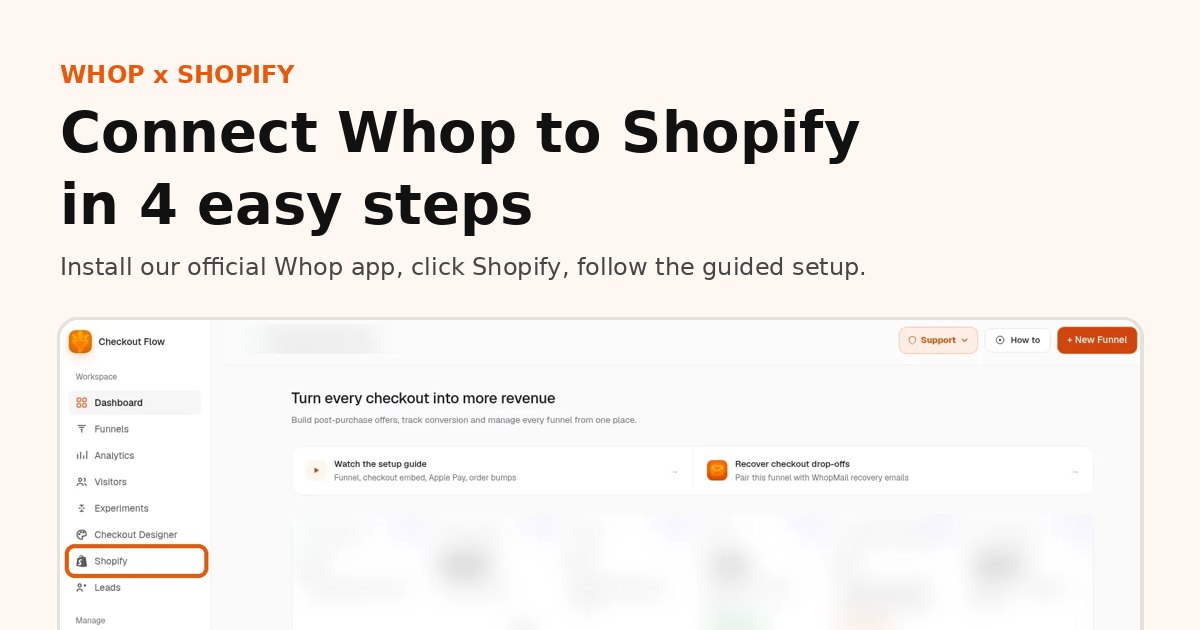
The Whop Shopify integration is our app, listed on the official Whop App Store, that connects a Shopify store to Whop checkout.
- How it works: shoppers browse and add to cart on Shopify, then pay on Whop checkout with card, Apple Pay or Google Pay.
- Orders: every paid order syncs back to Shopify, so fulfillment stays where your team already works.
- Payouts: money goes to your Whop company and follows Whop's payout schedule.
- Shipping and tracking: you ship from Shopify as usual, and tracking is passed to Whop when you mark an order shipped.
- Who it is for: Shopify merchants who want Whop payments, express wallets or one-click upsells without rebuilding their store.
Setup takes about 10 minutes: see the 4 steps with screenshots.
Why the wallets disappear
Apple Pay and Google Pay on Shopify's native checkout are tied to payment providers Shopify has integrated for wallets. Shopify Payments is the common path. When it is unavailable (country, suspension, or you switched away), those buttons usually stop rendering even if another card gateway is active.
Third-party gateways only show wallets if Shopify lists wallet support for that gateway in your region. Many popular processors process cards but never resurface Apple Pay on the Shopify checkout page.
Add one-click upsells to your Whop
Install OneClick Upsell from the Whop App Store and offer a post-purchase upsell in a few minutes.
Shopify-supported gateway options
Before you change architecture, check Shopify's current payments documentation for your country: a short list of non–Shopify Payments providers may still offer wallets. If your gateway is not on that list, native checkout will not show Apple Pay / Google Pay no matter how many apps you install.
Shop Pay is separate — it is Shopify's accelerator and generally requires Shopify's checkout stack. Moving off Shopify Payments usually means giving up Shop Pay conversion in exchange for another wallet stack.
Whop wallets + express Buy now
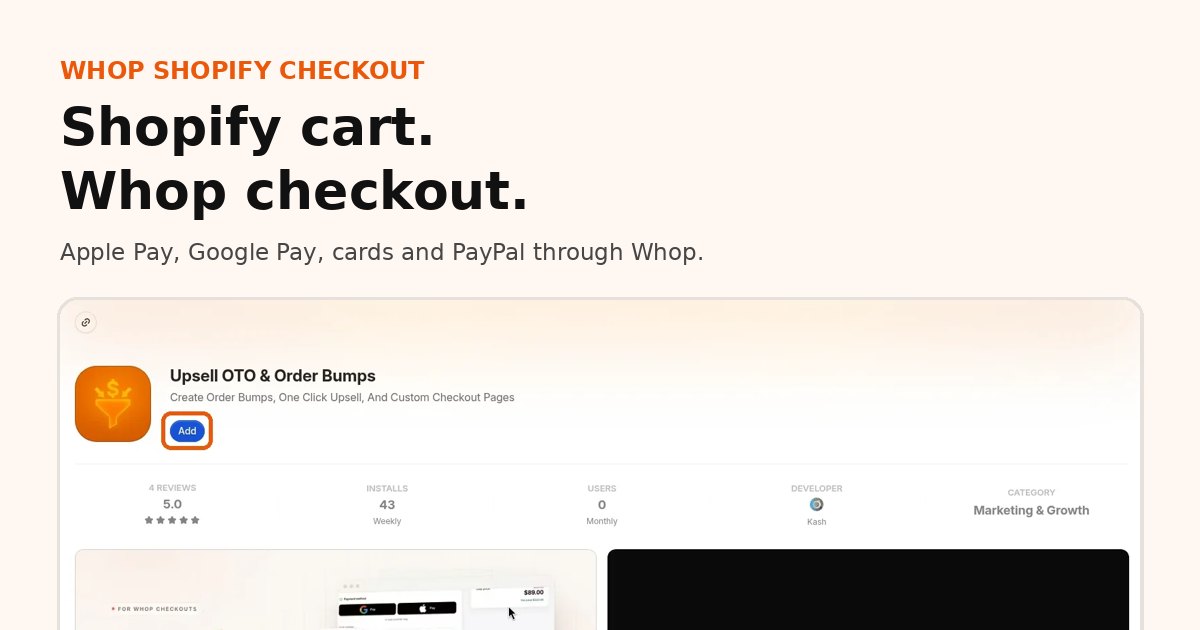
OneClick Upsell routes Shopify buyers into Whop checkout, where Whop can show:
- Apple Pay and Google Pay when the browser/device supports them
- Cards and other Whop methods for everyone else
- Express Buy now on product pages: wallets when available; a branded Buy now button when wallets are unavailable, still opening the same Whop checkout and upsell funnel
Orders sync back to Shopify. This is not an official Shopify payment method — payment runs on your Whop account. Setup guide: Connect Whop payments to Shopify.
Upsells still work
Zipify-style post-purchase apps that depend on Shopify's payment token often break when Shopify Payments is gone. Whop keeps the card on file for the session so one-click upsells and downsells can charge without re-entry. Details: Shopify one-click upsells with Whop.
Setup
- Install the app on Whop.
- Click Shopify in the app sidebar and follow the guided setup (about 10 minutes, see the step-by-step guide with screenshots).
- Enable checkout routing and place a mobile Safari / Chrome test to confirm wallets.
- Confirm the Buy now fallback on a desktop browser that has no wallet.
Shop Pay tradeoff (be honest)
| Stay on Shopify Payments | Whop checkout | |
|---|---|---|
| Apple Pay / Google Pay | Yes (where supported) | Yes (via Whop, device permitting) |
| Shop Pay | Yes | No |
| One-click upsells after pay | Via Shopify-Payments-aware apps | Native to Whop + OneClick |
| Who processes payout | Shopify Payments | Whop |
If Shop Pay is your top converter and Shopify Payments is healthy, stay. If Payments is unavailable or wallets are worth more than Shop Pay, Whop is the practical path.
Cost
Shopify add-on $99.95/mo, no percentage from us right now, plus Whop processing. Fee context: Shopify third-party payment fees vs Whop.
FAQ
Why did Apple Pay disappear from my Shopify checkout?
On many stores, Apple Pay and Google Pay are tied to Shopify Payments. Turn it off and the wallet buttons often disappear.
Can I get Apple Pay on Shopify without Shopify Payments?
Yes. With Whop checkout on your Shopify store, Apple Pay and Google Pay come from Whop and show when the device supports them.
Do I keep Shop Pay?
No. Shop Pay is part of Shopify checkout. Whop checkout uses Whop wallets and cards instead.
How long does setup take?
About 10 minutes: install our app from the official Whop App Store, click Shopify in the sidebar and follow the guided setup.
Related reading
Ready to raise your order value?
Install OneClick Upsell on Whop and build your first upsell funnel today.
Some links to Whop on this site are affiliate links. If you sign up through them we may earn a commission, at no extra cost to you.