A Shopify Payments hold or disable notice feels like the store stopped. Often the catalog, theme and traffic are fine — only that payment rail is blocked. This guide covers what to do first, how to keep selling with Whop checkout on the same store, and what Whop's own risk rules mean for you.
What is the Whop Shopify integration?
The Whop Shopify integration is our app, listed on the official Whop App Store, that connects a Shopify store to Whop checkout.
- How it works: shoppers browse and add to cart on Shopify, then pay on Whop checkout with card, Apple Pay or Google Pay.
- Orders: every paid order syncs back to Shopify, so fulfillment stays where your team already works.
- Payouts: money goes to your Whop company and follows Whop's payout schedule.
- Shipping and tracking: you ship from Shopify as usual, and tracking is passed to Whop when you mark an order shipped.
- Who it is for: Shopify merchants who want Whop payments, express wallets or one-click upsells without rebuilding their store.
Setup takes about 10 minutes: see the 4 steps with screenshots.
Hold vs ban (and why the difference matters)
- Temporary hold / review: Shopify Payments may pause payouts or new charges while they ask for documents. Your store can still be online.
- Disabled / rejected: Shopify Payments is no longer available for that store. You may still sell if another checkout path works.
- Store-level shutdown: rarer; the whole shop is locked. Whop cannot reopen a closed Shopify store — you would sell from Whop or another storefront instead.
If the storefront still loads and admin still works, you can usually keep the brand URL and move payment to Whop while you sort out Shopify Payments.
Add one-click upsells to your Whop
Install OneClick Upsell from the Whop App Store and offer a post-purchase upsell in a few minutes.
First steps when Payments is suspended
- Read the email and the Payments section in Shopify Admin carefully — note whether it is a hold, a document request or a permanent disable.
- Submit anything Shopify asked for if you still want that account reinstated.
- Pause ads that send traffic to a broken checkout until a working path is live.
- Export customers and recent orders (useful for support and for email tools).
- Stand up an alternate checkout so revenue does not sit at zero while you wait.
WhopMail's guide on moving a Shopify audience is useful if you also need email continuity: Migrate from Shopify to Whop.
Keep the store, change how people pay
With OneClick Upsell you can:
- Leave products, theme and cart on Shopify
- Send checkout to Whop (cards, Apple Pay, Google Pay when available)
- Sync paid orders back into Shopify for fulfillment
That is not an official Shopify payment method. Buyers pay through your Whop account; Shopify remains the storefront and order inbox. Full walkthrough: Connect Whop payments to Shopify.
Whop has its own risk rules
Switching processors is not a loophole for prohibited goods. Whop reviews businesses under its own policies. High-risk or previously flagged categories should read High-risk merchant payments on Whop before relying on this path. Expect identity checks, possible reserves and category limits — the same professionalism you would want from any processor.
Setup (about 10–15 minutes)
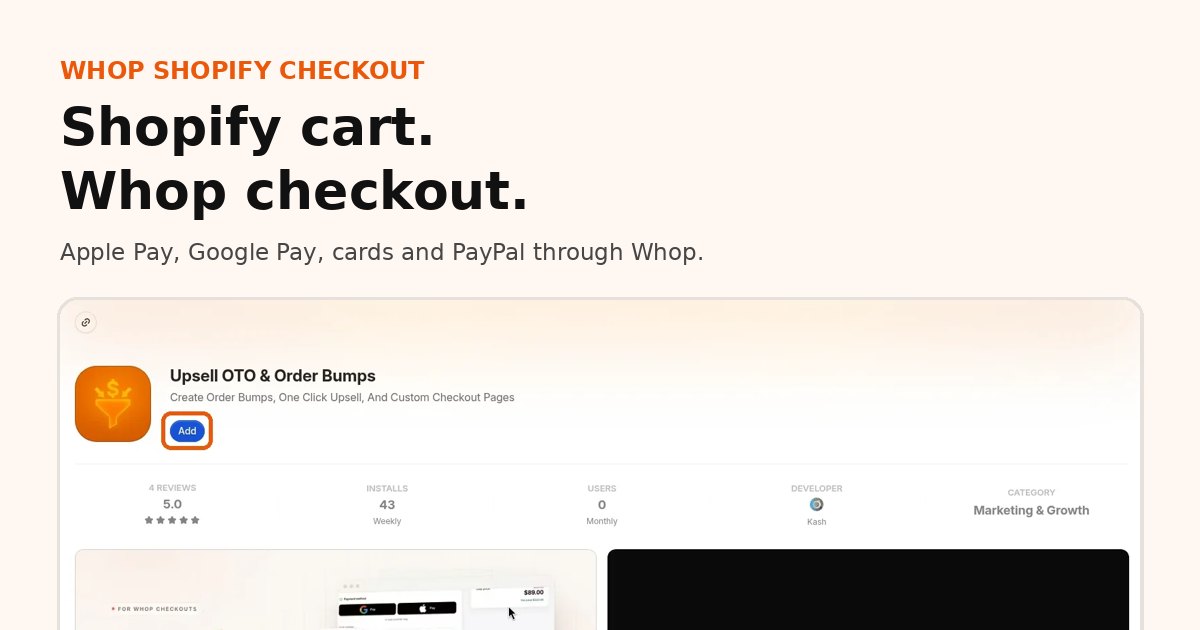
- Install on Whop on your Whop company.
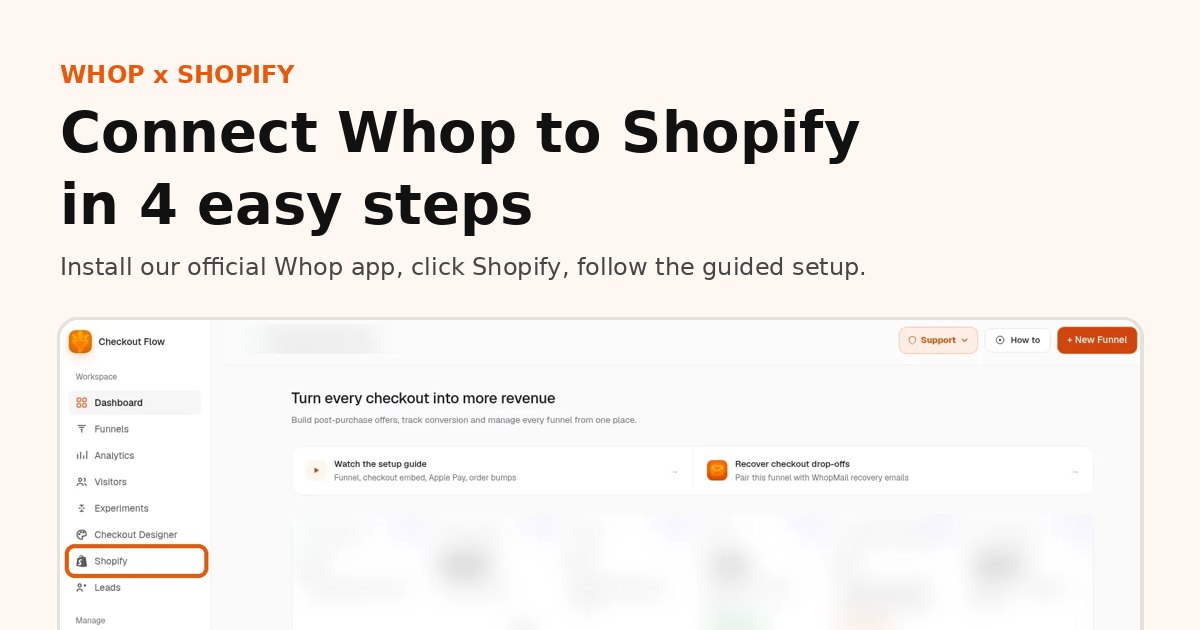
- Click Shopify in the app sidebar and follow the guided setup (see the step-by-step guide with screenshots).
- Connect payout details on Whop so money has somewhere to go.
- Enable routing when the checklist is green and run a cheap test product.
- Update any "checkout broken" banner on the site once the test order lands in Shopify.
No theme file edits are required for the basic install — stay inside the in-app flow.
Cost while you recover
- Shopify checkout add-on: $99.95/mo
- No percentage from us on those sales right now
- Whop processing from 2.7% + $0.30 domestic cards (fees)
Compare with third-party gateways that still sit under Shopify's surcharge in Shopify third-party payment fees vs Whop.
After you are live again
Some merchants return to Shopify Payments when reinstated and keep Whop for specific offers. Others stay on Whop checkout for wallets, upsells and fee structure. Either way, having a second rail ready is cheaper than another week of zero checkout.
FAQ
Can I keep selling if Shopify Payments is suspended?
Usually yes, if your storefront and admin still work. Install our app from the official Whop App Store and move checkout to Whop while you sort things out with Shopify.
Will Whop accept any business Shopify rejected?
No. Whop reviews businesses under its own policies. Prohibited or high-risk categories may be declined or face reserves.
How fast can I get checkout working again?
Most stores finish the guided setup in about 10 minutes. You can also book a free setup call.
Can I go back to Shopify Payments later?
Yes. Some merchants return once reinstated; others keep Whop checkout for wallets and upsells.
Related reading
Ready to raise your order value?
Install OneClick Upsell on Whop and build your first upsell funnel today.
Some links to Whop on this site are affiliate links. If you sign up through them we may earn a commission, at no extra cost to you.